
Across business systems
CRM, helpdesk, booking, ecommerce, accounting, HR, project management, practice management and internal tools can have different workflows. Adapter availability depends on the system's API and access terms.
Your business systems
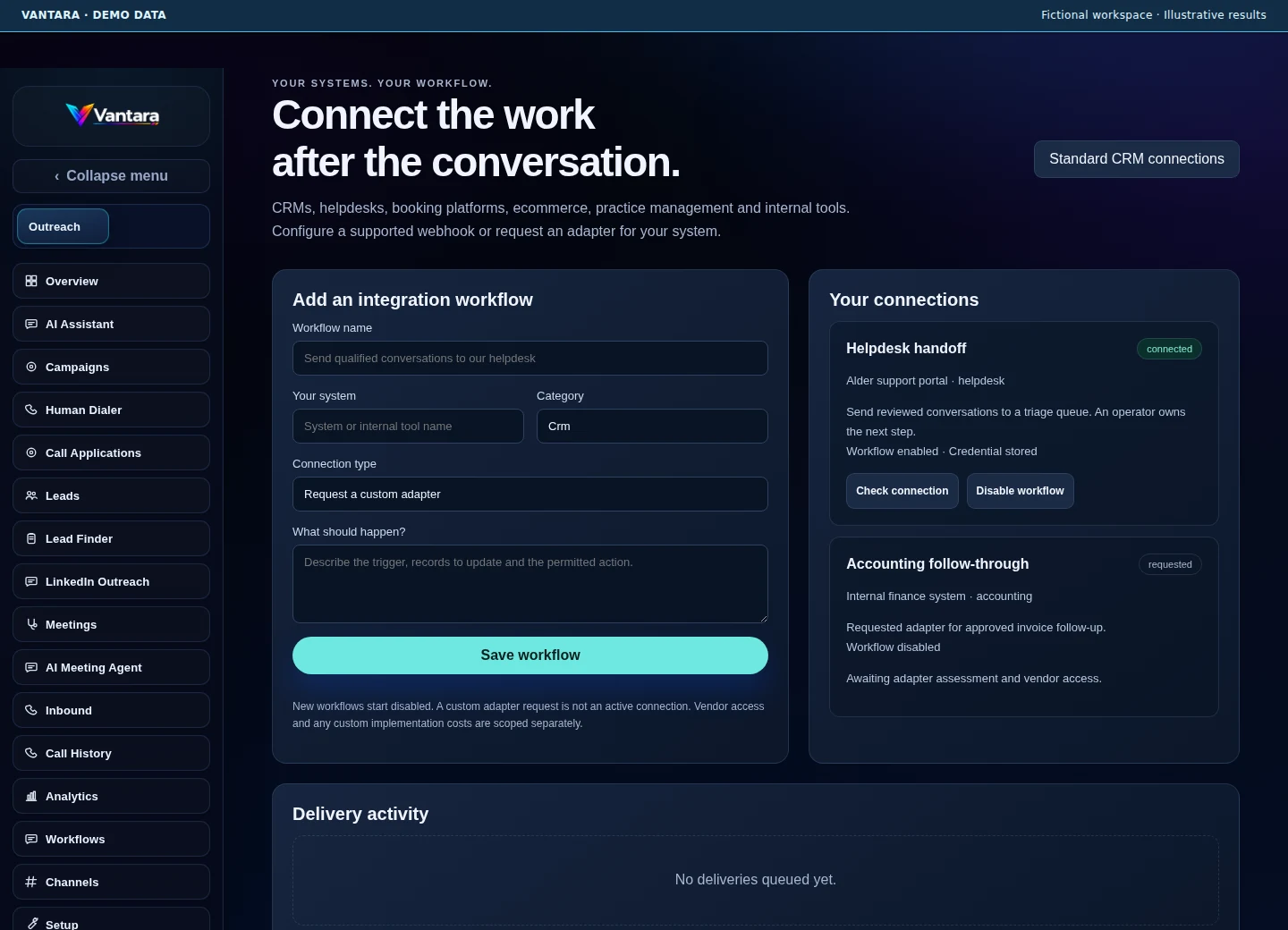
Describe the system, the trigger and the permitted action. Use a supported webhook workflow, connect an existing CRM adapter, or request an adapter for a system unique to your business.
CRM, helpdesk, booking, ecommerce, accounting, HR, project management, practice management and internal tools can have different workflows. Adapter availability depends on the system's API and access terms.
Check endpoint authentication and reachability, then explicitly enable delivery. New workflows start disabled; adapter requests are shown as requests.
Use workspace-scoped credentials, action allowances, idempotency keys and delivery receipts. An uncertain delivery is not automatically sent again.
Specify the records, field mapping and permitted actions. Custom implementation and vendor charges are scoped separately; credentials remain encrypted.
No. Custom requests can cover any business system. A working connector depends on API access, supported actions, vendor terms and the agreed implementation scope.
No. A connection check confirms authentication and reachability. Delivery receipts and the target system's verified outcome are tracked separately.