
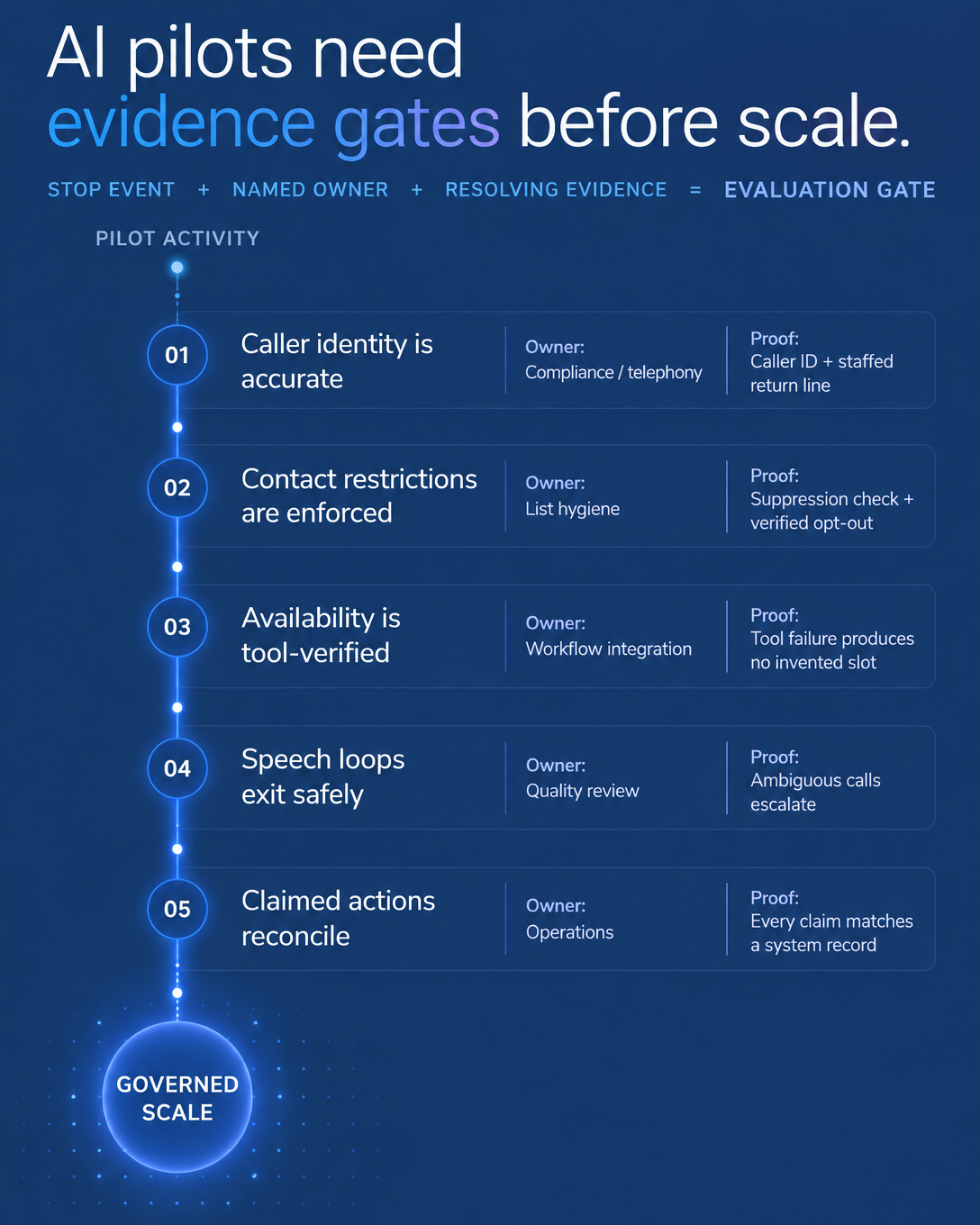
Start AI reception with one real missed-call situation, such as weekday evenings or the hour your crew is out on jobs. Then define two things: the information the AI receptionist should capture, and the next step your team can actually fulfill, whether that is a configured booking or a callback.
A fuller FAQ and broader routing can wait until that first flow works and the records hold up under review.
We recommend a narrow start because small service teams judge AI reception on practical questions. Did it capture the right details, did it hand off cleanly, and could the team follow up? Public discussions such as this Reddit thread about building an AI receptionist demo and this conversation about whether AI receptionists are still a good business raise similar concerns from different sides. They are anecdotal, so treat them as context and judge results on your own calls.
Step 1: Pick One Missed-Call Situation
Look at the last 30 days of phone records and note:
Calls received outside business hours
Calls that rang out or hit voicemail during the day
Callback attempts that never connected
Pick the one situation with the clearest volume and write it as a boundary, for example: “The AI receptionist answers calls after 6 p.m. and before 8 a.m. on weekdays.”
A written boundary makes the setup testable. Your team knows which calls the receptionist should take, which stay with people, and what to check in review.
Step 2: Define What to Capture and the Next Step
Keep the first script short. For a plumbing, HVAC, cleaning or repair team, four behaviors cover the first flow:
Identify itself honestly. Callers hear that they reached an automated assistant for your business.
Capture the essentials. Name, callback number, the request, and any detail your team needs before calling back, such as service area.
Offer one next step you can fulfill. That means a booking through a configured calendar, or a callback request your team will actually return.
Flag what is out of scope. Complaints, unclear requests and anything urgent go to a human callback path you define. Urgent and emergency handling needs its own decision and testing by your team, since it is not a default setting.
Illustrative example: a caller asks for a non-emergency estimate at 7:40 p.m. The receptionist confirms their name, number and what they want quoted. If booking is configured and open slots exist, it offers one. If not, it captures a callback request with those details, so the person returning the call starts with context.
Step 3: Confirm Phone, Calendar and CRM Readiness
Several pieces depend on your setup, so confirm them before launch.
Phone number and forwarding: check with your carrier that conditional or after-hours forwarding is available on your line, or decide whether a new number makes sense. Forwarding support varies by carrier and plan, so test the exact rule you wrote in Step 1.
Calendar and CRM: booking works only when a calendar is connected and availability is configured. CRM records depend on a supported connection, your Vantara plan and the permissions you grant. If a connection is not in place, decide where call details go and who checks them.
Capture settings and permissions: recordings, transcripts and summaries follow the capture settings you choose and any consent rules that apply to you. Grant access only to the fields the receptionist needs, so you can compare what it logged against what was said.
First-Scope Checklist
One missed-call situation, written as a boundary
Required caller details listed
One next step: configured booking or callback capture
Out-of-scope and urgent call handling decided by your team
Carrier forwarding or number setup confirmed and tested
Calendar, CRM, plan, permissions and capture settings checked
A named person who returns callbacks and reviews results
Step 4: Review Outcomes After Two Weeks
Review results against outcomes your team cares about:
How many previously missed calls got answered
Requests that ended in a booking or a complete callback request
Callbacks returned, and how quickly
Escalations, and whether each one was right
Questions the script could not answer
Also note where your team still had to ask callers to repeat details. Those calls show which capture fields to tighten, and the unanswered questions become your next FAQ additions.
When to Expand
Expand when bookings and callback records hold up in review and your team acts on them without re-checking every call.
A sensible order is overflow during business hours, a fuller FAQ, then routing by request type. Each stage follows the same steps: set the boundary, confirm the connections, review the outcomes.
FAQ
Will callers hang up on an AI receptionist?
Some will. Compare against your current no-answer outcome for the same calls, and use recordings or transcripts, where captured, to see where callers dropped off.
What if it books a wrong appointment?
Keep calendar rules tight and review early bookings against call records. Mistakes in a narrow scope are easier to find and fix.
Do I need a new phone system?
Not necessarily. Many teams keep their existing number and forward selected calls, but that depends on what your carrier supports. Confirm forwarding on your line before go-live.
Where to Go From Here
Start with one missed-call situation, a short list of details to capture, and a next step your team can deliver. Confirm the phone and system connections, then let two weeks of outcomes guide what comes next.
If you want to see how this would work for your calls, book a Vantara demo and we will walk through a missed-call flow for your type of business.